
Email Integration
Your inbox meets your jobs
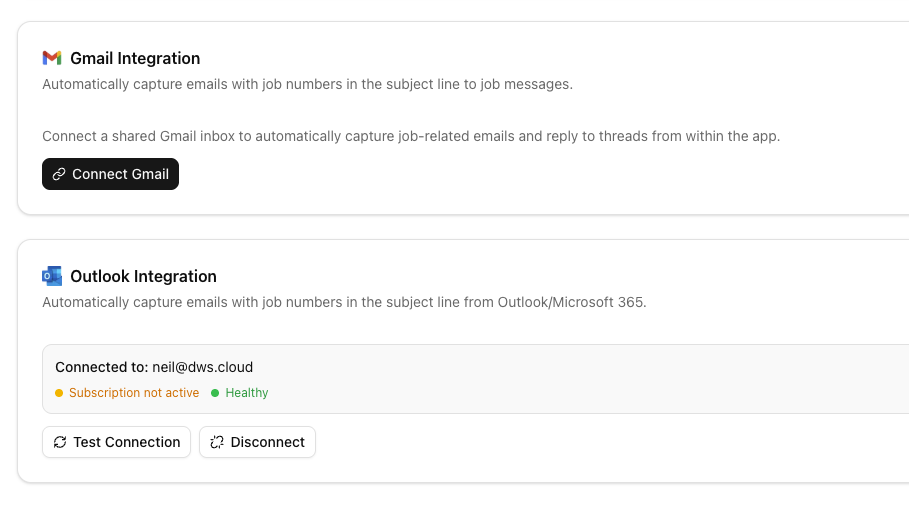
Connect your Gmail or Outlook account and VanMan automatically captures every email that mentions a job number — linked to the right job, with attachments stored and full threading.
Why Email Integration
The advantages that make the difference for your moving business.
One-click email connection
Head to Settings, click Connect next to Gmail or Outlook, and authorise VanMan to read your inbox. That's it — emails start appearing on jobs within minutes. No IT setup, no forwarding rules, no server configuration.
Real-time email capture
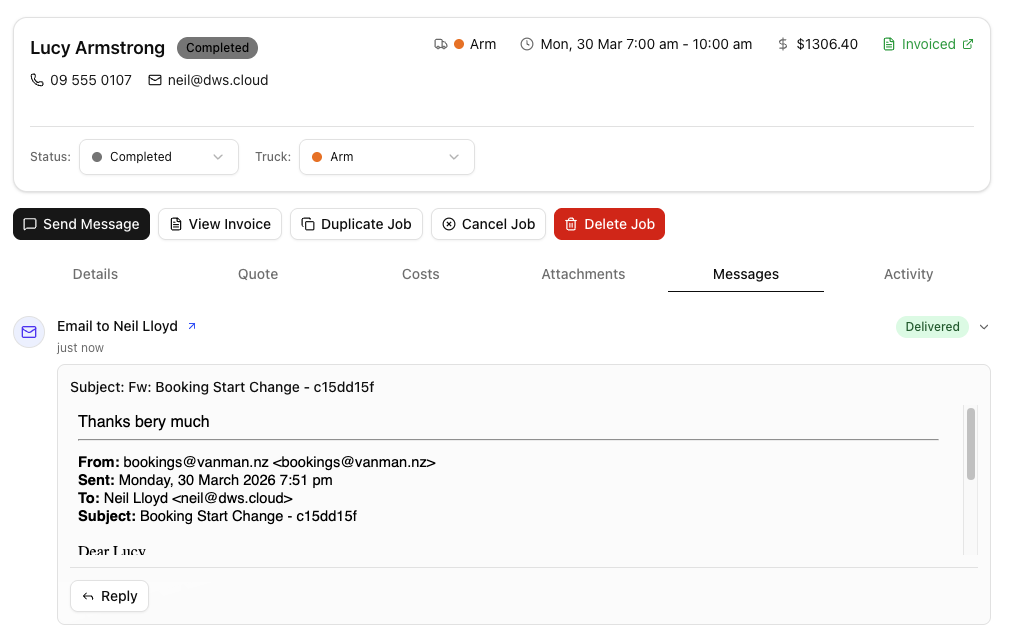
VanMan uses webhooks to capture emails the moment they arrive — Gmail via Google Pub/Sub and Outlook via Microsoft Graph change notifications. Because those subscriptions can lapse quietly, a polling schedule you control runs behind them and repairs the subscription when it finds it has expired. Attachments are downloaded and stored against the job automatically.
Full email threading
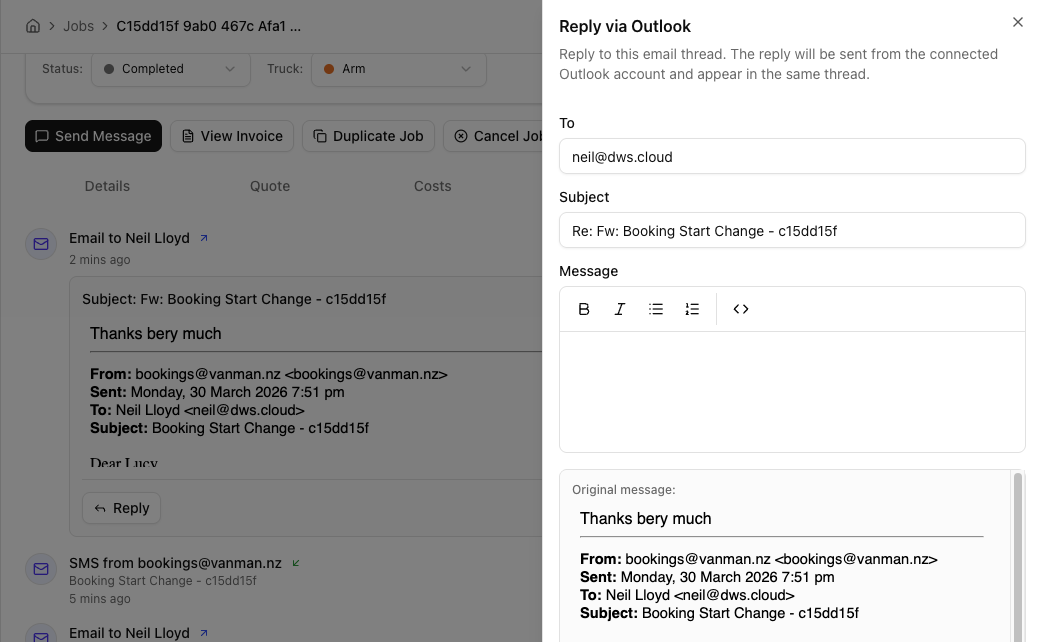
Email conversations are threaded by subject and message ID, just like your inbox. See the full back-and-forth between your team and the customer in one place. Every team member with access to the job can see the conversation history.
Every conversation in one place
Email integration feeds the unified Inbox, where email and SMS sit in one list. All customer communication is captured against the job — regardless of channel.
You might also like
See Email Integration in action
Start your free trial and explore every feature with your own data.