
Adding costs to a job
Build a job's charges on the Costs tab — cost items, bundles, adjustments, per-job price overrides, and the receipt.
A job's charges live on its Costs tab, and the invoice is built straight from them. Get the Costs tab right and the invoice takes care of itself.
The Costs tab is hidden while a job is in Appraisal status. If you cannot find it, check the job's status first — this is expected, not a fault.
Start with the contract type
At the top of the tab is a Contract dropdown: Hourly Rate, Fixed Price or Hybrid. It decides what the rest of the tab does, so set it before you start adding lines. See choosing a pricing mode.
On a Fixed Price job you get a price / men / hours block, and the cost items below become internal cost tracking — what the job actually consumed — with a Margin line on the receipt. On Hybrid you also get bundles.
Cost items
Below the contract block is Cost items — one list, grouped under category headings, with columns for Item, Qty, Unit price and Total. Each category heading shows its own subtotal.
Click Add items to open the picker, choose what you need, and the lines appear under their categories. Quantities and hours accept decimals — 1.5 stays 1.5, and the + / − buttons step in halves.
A price override on a line changes the price on this job only — it never touches your catalog. Use it for the one-off deal or the awkward job, and leave the catalog price as your standard.
Filling the tab quickly
Two shortcuts sit at the top of the items list:
- Import from estimate — brings the estimate's pricing across as cost lines, and tells you whether the imported total matches the estimate.
- Copy from quote — brings the Quote tab's lines over.
Quote, Estimate and Costs are separate, with separate line items. Nothing populates Costs automatically; these two buttons are the only bridges, and both run one way.
Import replaces what's on the tab, so do it before you start hand-editing, not after.
Bundles
On a Hybrid job you can group items and charge one fixed amount for them — a Packing kit, a Stairs & long carry. Add a saved one from the catalog, or select lines already on the job and click New bundle. Member lines nest under the bundle; the fixed amount is what's charged. See using bundles.
Adjustments
Two levels:
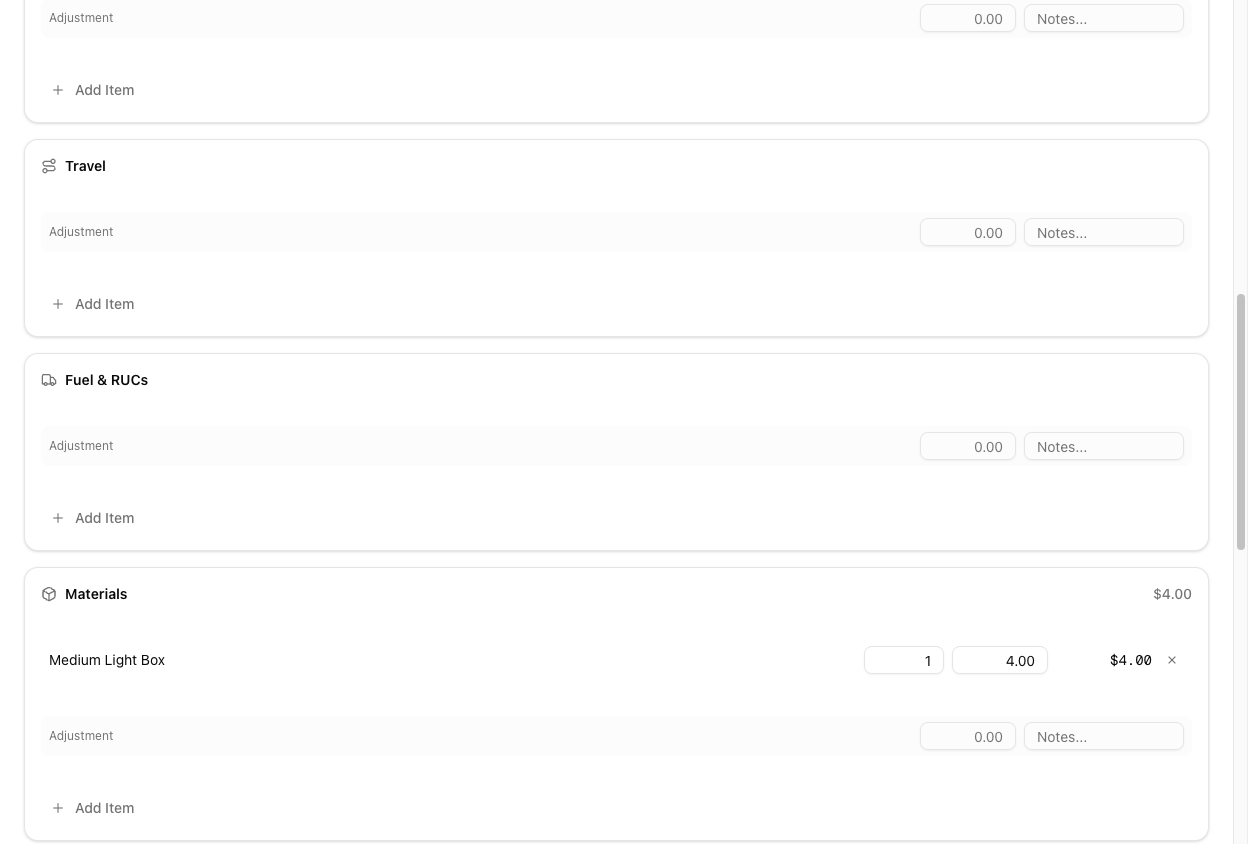
- Per category — click + adjustment next to a category heading for a discount or surcharge on that category, with a note.
- Job-level — the Adjustments section further down, for amounts that don't belong to any category.
Write the note. It is the answer when someone asks about the number six weeks later.
The receipt
The dark panel on the right is the job's receipt:
| Line | Shown when | | --- | --- | | Balance due / Balance | Always — the headline number | | Fixed price, Internal costs, Margin | Fixed-price jobs | | Items (incl. n bundles) | Hourly and hybrid jobs | | Adjustments | When there are any | | Payment-method fee | When the method charges one | | GST | Always, at your configured rate | | Total, Paid | Always |
On a fixed-price job, Margin is the line worth watching. It goes red when the job cost you more than you charged — which is the only reliable way to find out that a flat rate has stopped working.
Saving
Everything autosaves. A pill at the bottom of the tab always tells you where you stand: Unsaved changes, Saving…, or a green All changes saved, with a Save button to force it through. Edits need the costs-edit permission, and the pricing block locks once an invoice has been issued.
Also on the tab
Payment (method, amount, notes), Customer Signoff, and Tally Notes — including whatever the crew recorded on the mobile tally.
Tutorial: cost up a completed move
The crew is back and you need to turn the day into an invoice.
Open the job. If it is still in Appraisal, the Costs tab is hidden — move it to a status past Appraisal (Booked, Ongoing, Completed) and the tab appears.
Hourly Rate, Fixed Price or Hybrid — before you add anything. Changing it later reorganises the tab around you.
If the job was quoted or estimated, use Import from estimate or Copy from quote. Check the estimate-vs-import comparison — if it says they differ, find out why before you carry on.
Crew hours on the Service lines, the travel line, the boxes and wrap the crew used. Use decimals where the truth is a half; the tally the crew filled in on mobile is your source.
You agreed a discounted rate for this customer. Set a price override on the line — this job only. Do not edit the catalog for a single job.
A goodwill discount for the late start goes in the category's adjustment row (or job-level), with a note saying why.
Check Total and Balance due — GST is on there, so this is the real number. On a fixed-price job glance at Margin before you move on. Then Create Invoice; the invoice mirrors exactly what you just built.
Don't navigate away on Unsaved changes. The pill at the bottom should read All changes saved before you leave the tab.