
Recording payments on mobile
Record a customer's payment from the Tally & payment screen — what the app does and doesn't do.
The app lets you record that a customer paid — it does not process the payment.
The app does not take card payments. There is no card capture and no payment processing. "Recording a payment" means noting that money changed hands — by cash, POS, or credit — so the office and the invoice reflect it. The actual transaction happens however you normally take it (your own EFTPOS terminal, etc.); the app just logs the outcome.
Where it is
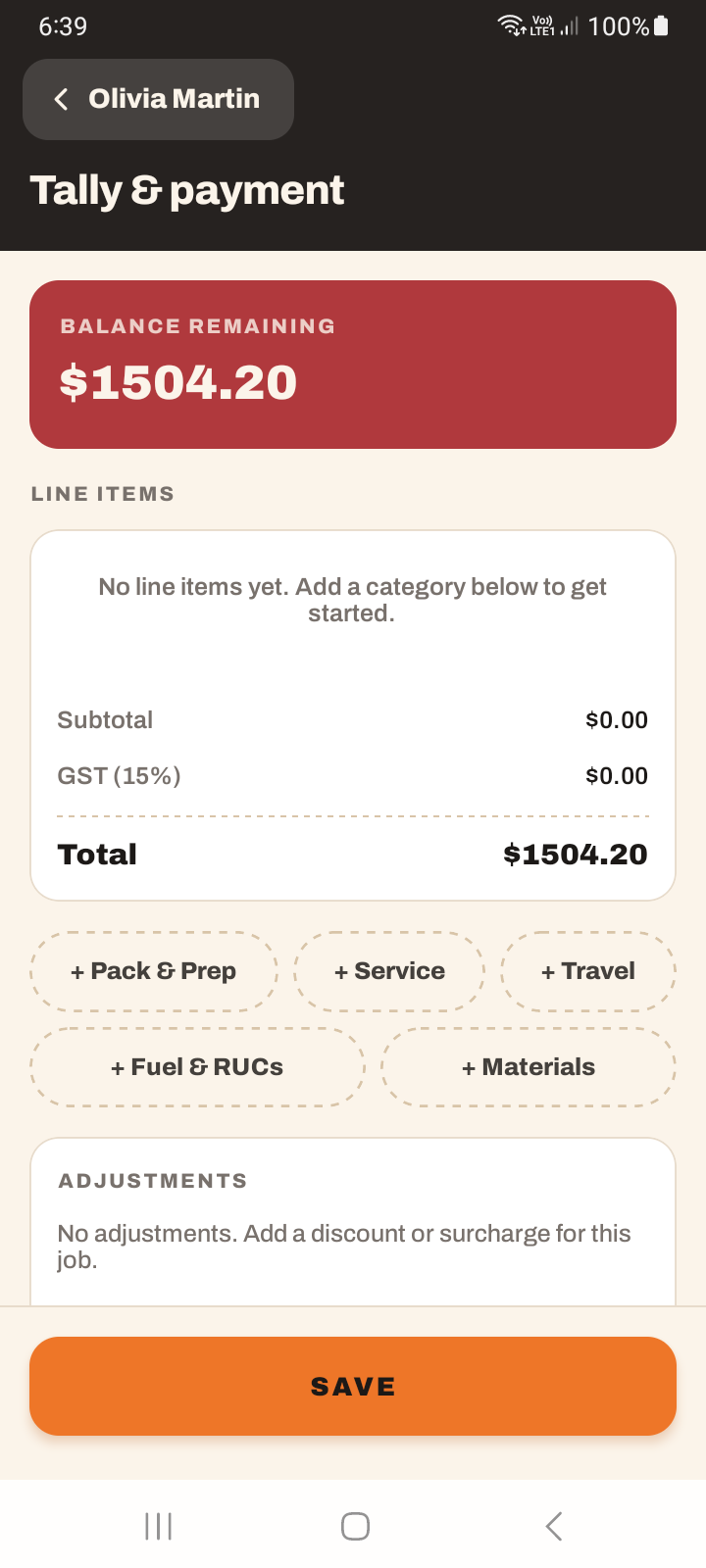
From the job detail, tap the Tally & payment strip to open the Tally screen. The Record payment section is there (it appears when the job isn't already paid).
Recording
Choose a payment method — Cash, POS, Credit, or Partial — enter the amount, add optional notes, and tap Record.
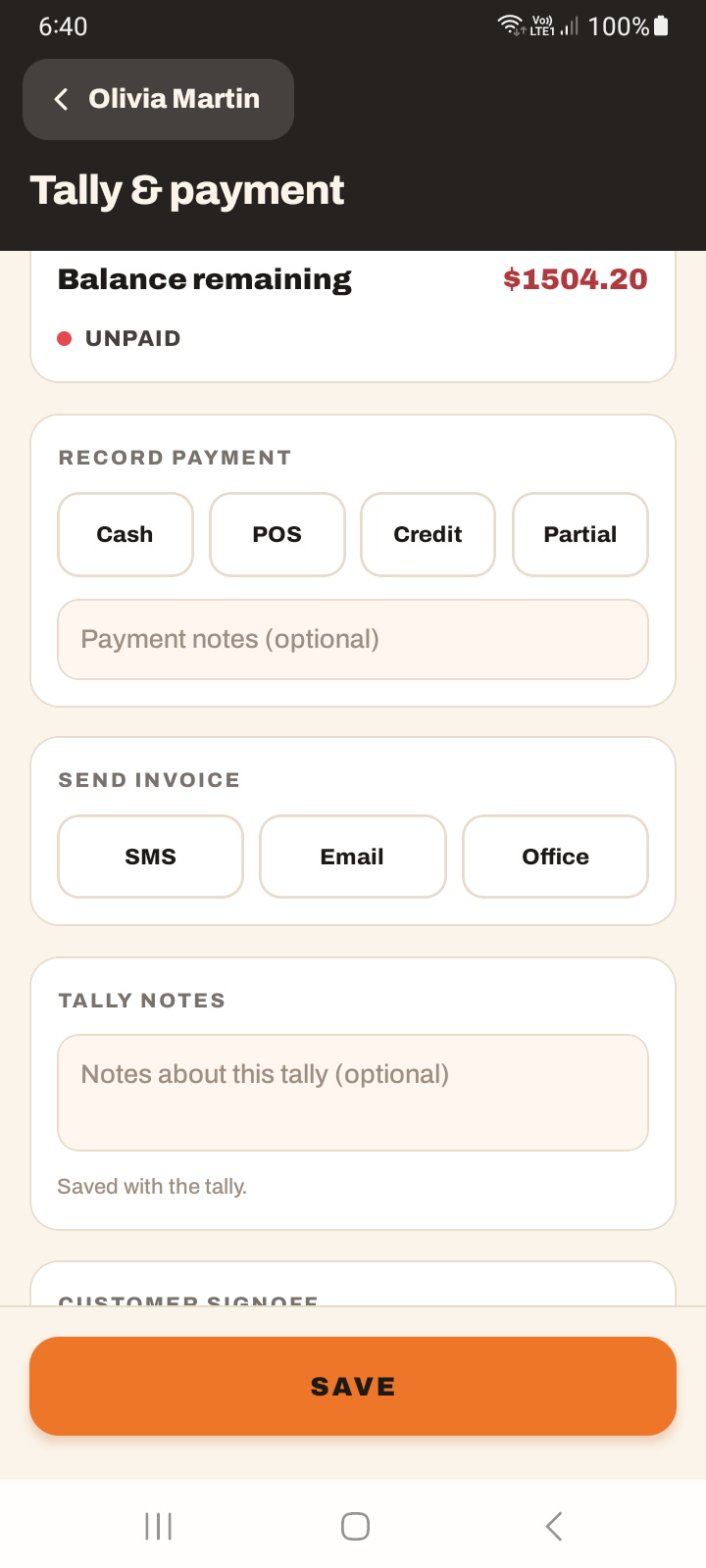
Two limitations worth knowing:
- Partial payment is iOS only. On Android you'll see "Partial payment recording is available via the office system on Android" — a partial has to be recorded from the web there.
- Recording a payment needs a connection. It is disabled offline. If you have no signal on site, record it once you're back in range.
"Credit" is simply a payment-method label, not in-app card processing — see the callout above.
Tutorial: record a cash payment on completion
The customer pays cash at the end of the job.
On the finished job, tap the Tally & payment strip to open the Tally screen. Scroll to Record payment.
Choose Cash as the method. This is a record of what happened — you've taken the notes in hand; now you're logging it.
Type the amount they paid. Add a note if anything's unusual — "paid $20 short, will settle Friday" — so the office isn't surprised.
Tap Record. The button is "Record", not "Confirm payment". The payment is now logged against the job and syncs to the office.
Taking only part of it? On iPhone choose Partial and enter what they paid. On Android you can't — record it from the web office system instead, as the app tells you.
If you're somewhere with no coverage, you can't record the payment yet — it's disabled offline. Note it on paper or in a job note, and record it properly once you're back in range.
Recording the payment and sending the invoice are two separate actions on the Tally screen. Recording says "they paid"; the invoice is the document. See sending invoices from mobile.